

SurePassID macOS PAM Guide
SurePassID Authentication Server
2026
SurePassID macOS PAM Guide
This guide covers installing, inspecting, and removing SurePassID MFA on macOS using the applications shipped on the SurePassID macOS MFA DMG.
Note: Administrator privileges are required to run the install, show configuration, and uninstall applications.
pam_surepassid.conf
A configuration file is required to perform the SurePassID MFA installation. The file must be created correctly, or the installation will fail.
A sample pam_surepassid configuration:
auth required /usr/local/lib/pam/pam_surepassid.so \
host=cloud.surepassid.com \
sp_account=YOUR_ACCOUNT_LOGIN_NAME \
sp_account_key=YOUR_ACCOUNT_LOGIN_KEY \
path=/AuthServer/REST/OATH/OathServer.aspx \
ca_cert_file=/etc/ssl/cert.pem
Options
host=
Hostname or IP address of the SurePassID server. (Required)port=
Port number of the SurePassID server. (Default: 443)path=
REST API path on the SurePassID server. (Required)send_otp_method=
If this option is not set, only a TOTP or HOTP token can be used. Otherwise, an OTP is sent using the specified method. Valid OTP transport methods aresms,email, andvoice.ca_cert_file=
CA certificates PEM file to use. If this option is not set, the module searches the common system locations and uses the first one it finds; on macOS that is/etc/ssl/cert.pem. Set this option when the certificate bundle lives somewhere else. A CA certificates PEM file can be downloaded from https://curl.se/docs/caextract.html.sp_account=
SurePassID tenant account login name.sp_account_key=
SurePassID tenant account login key.proxy_server=
Hostname or IP address of the proxy server. (Optional)proxy_port=
Proxy server port. (Default: 8080)proxy_username=
Proxy server user name. (Required ifproxy_passwordis set.)proxy_password=
Proxy server password. (Required ifproxy_usernameis set.)allow_single_factor
If this option is present and an internet connection is not available, single-factor authentication is used instead.allow_push_authentication
If this option is present, the user may use push authentication.echo_verification_code
If this option is present, the OTP code is visible as the user types it. The default is to hide the code.debug
If this option is present, additional logging is written to the syslog.
Installing SurePassID macOS MFA
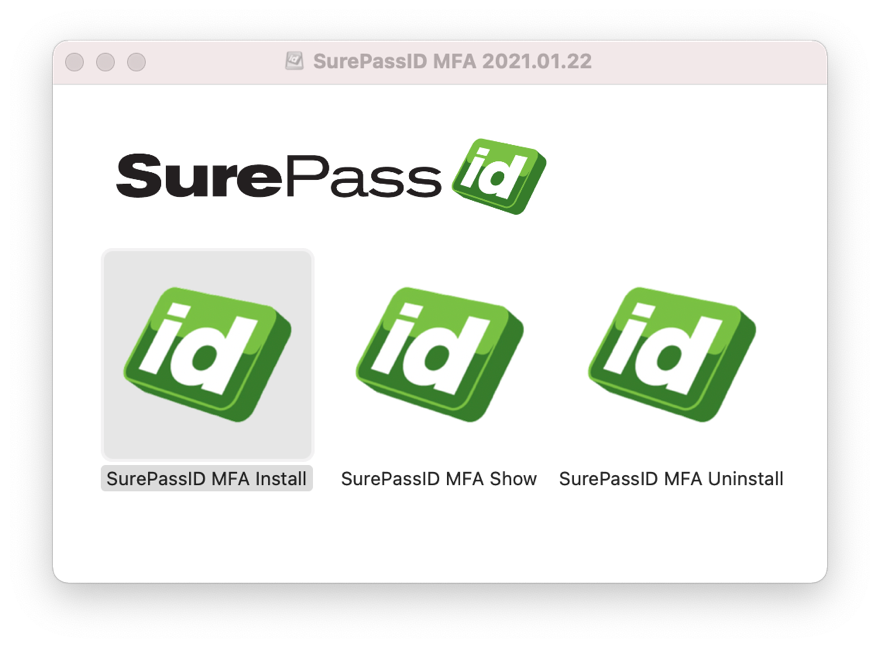
Run SurePassID MFA Install from the DMG.
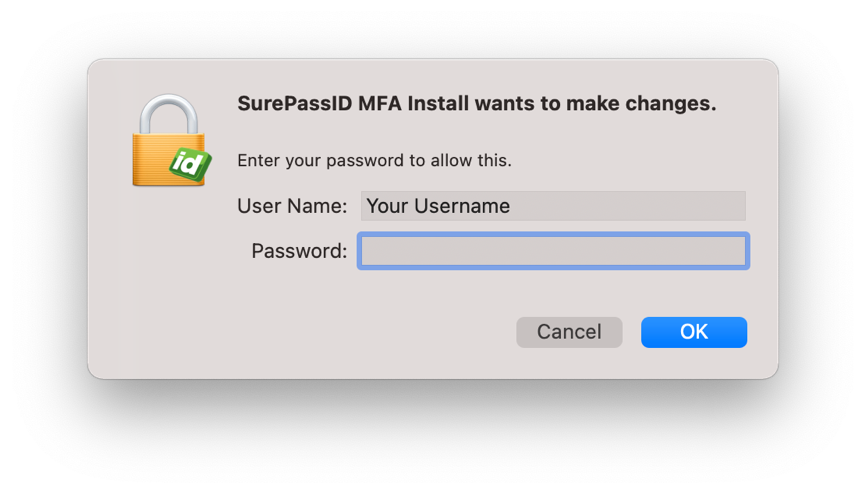
Enter your administrator user name and password.
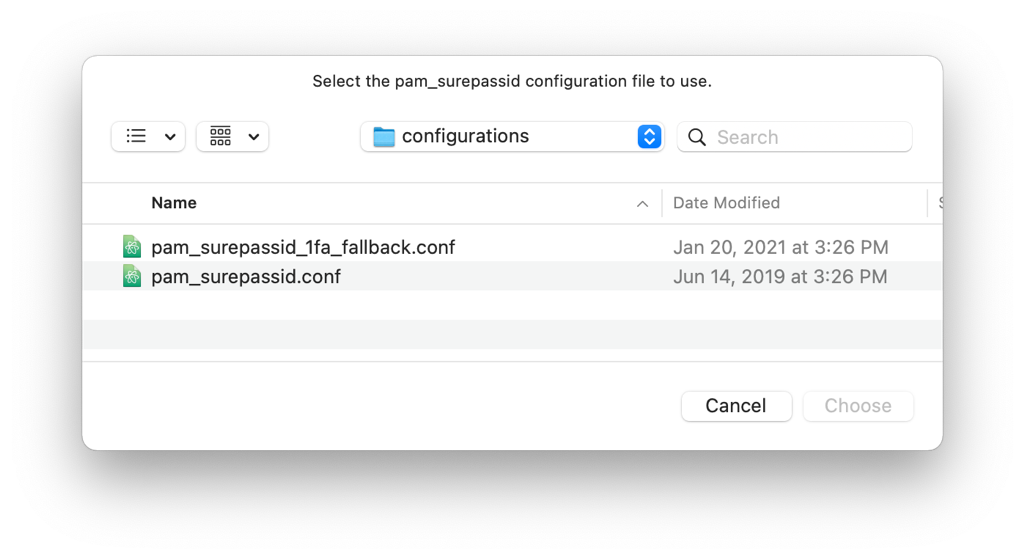
Select the pam_surepassid configuration to use for this
installation.
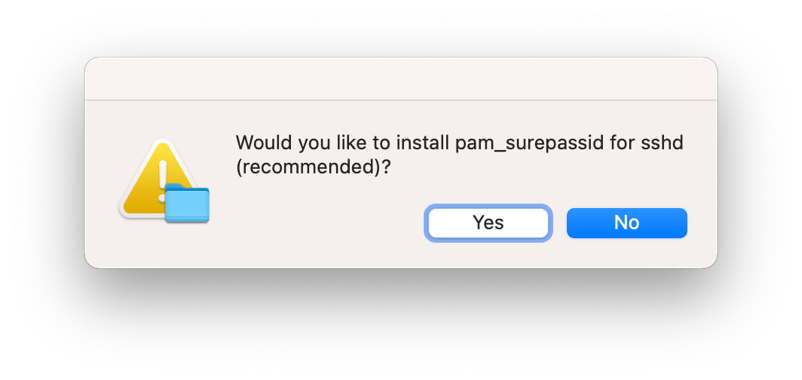
All library dependencies and pam_surepassid.so are
installed. After the installation is complete, a prompt asks whether you
want to configure the sshd PAM configuration to use
pam_surepassid.
Note:
/etc/pam.d/surepassidis always added.
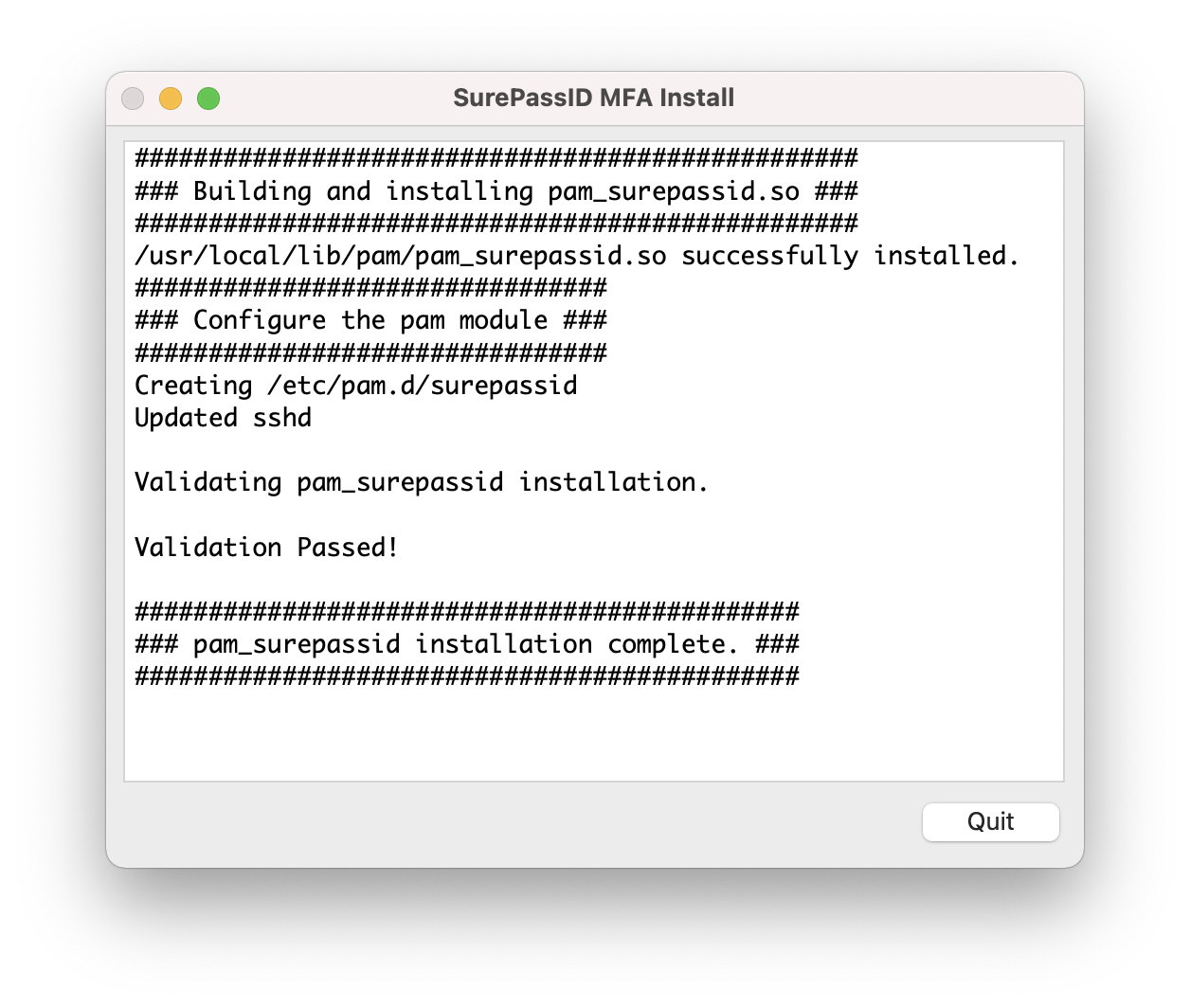
After the installation and configuration steps complete, the installation is validated automatically. If validation succeeds, the dialog looks like this. Click Quit when you are done.
Showing the SurePassID macOS MFA configuration
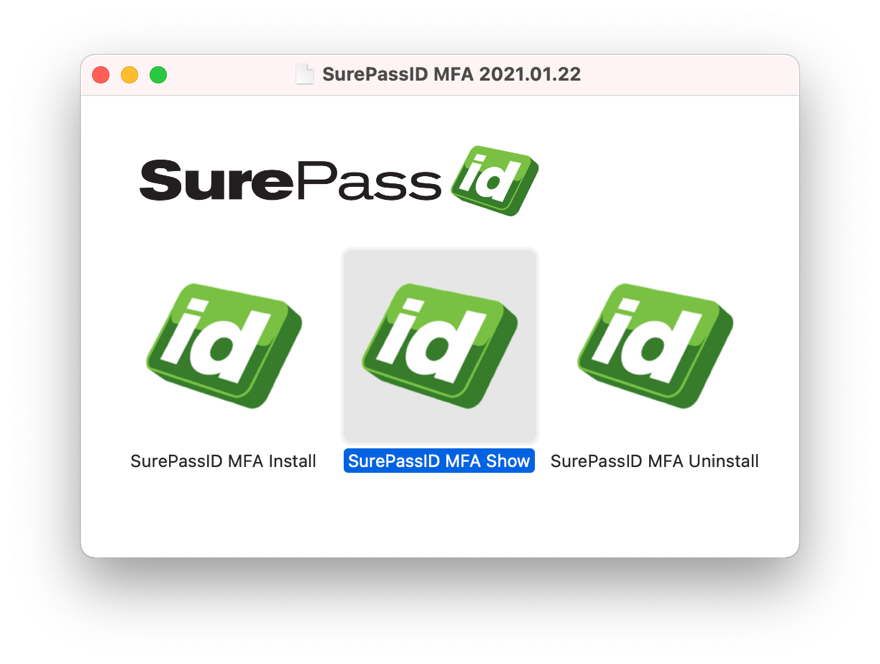
Run SurePassID MFA Show from the DMG.
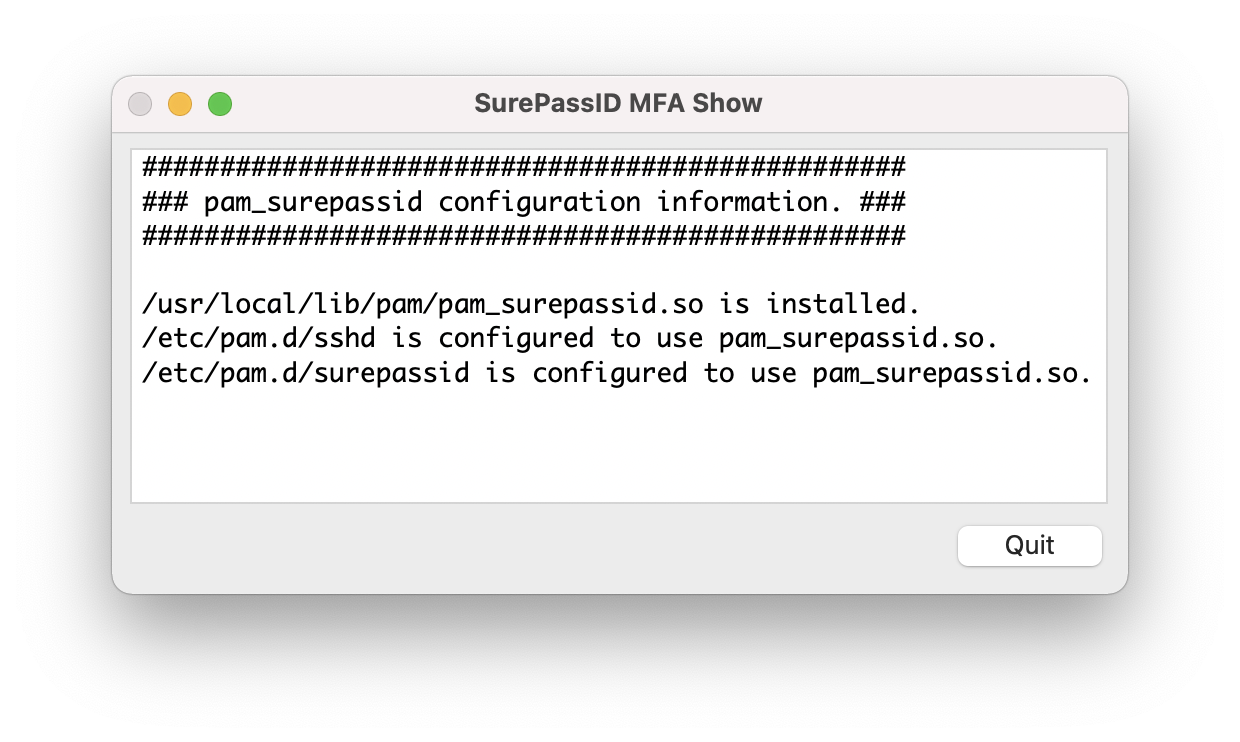
After you authenticate, the configuration data for
pam_surepassid is displayed.
Uninstalling SurePassID macOS MFA
Run SurePassID MFA Uninstall from the DMG.
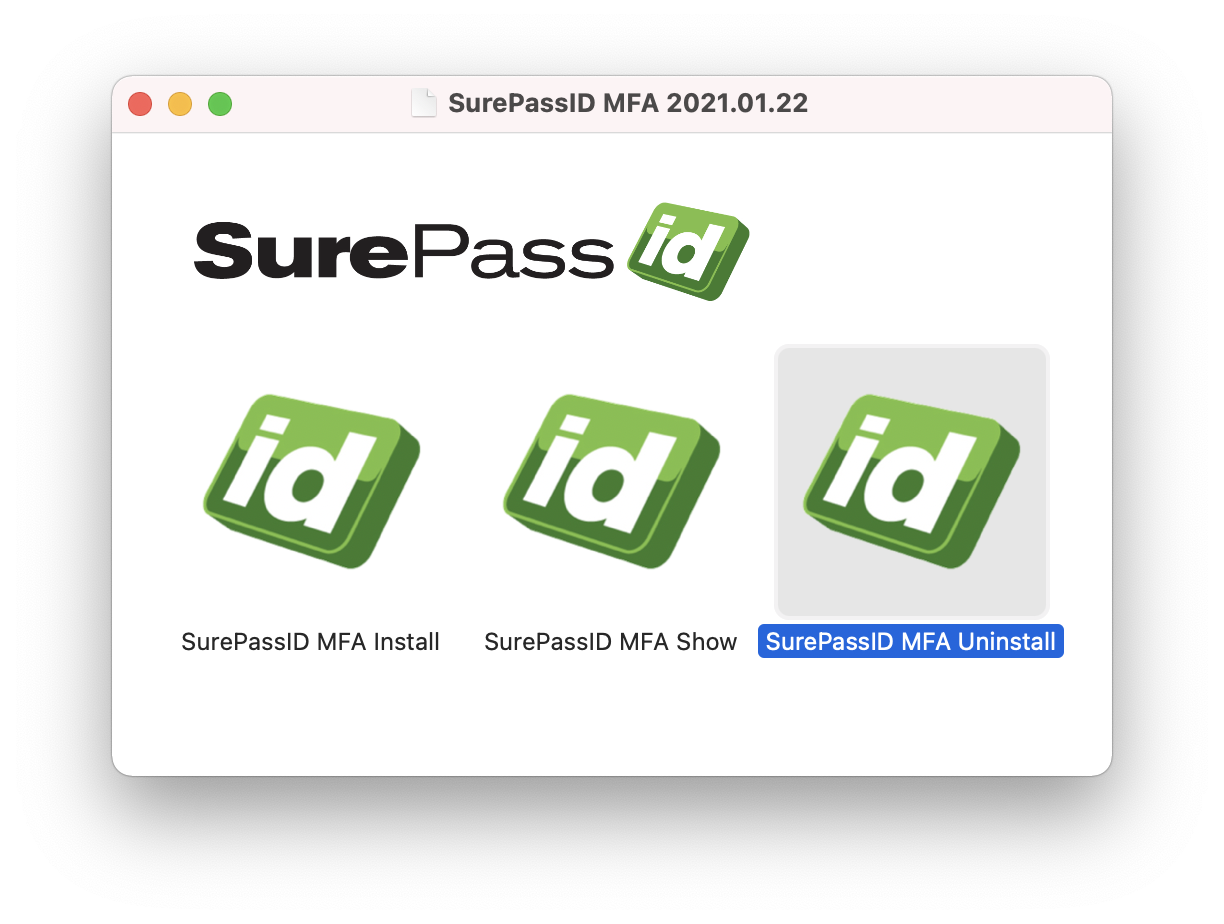
After you authenticate, you are prompted to start the uninstall of
pam_surepassid.
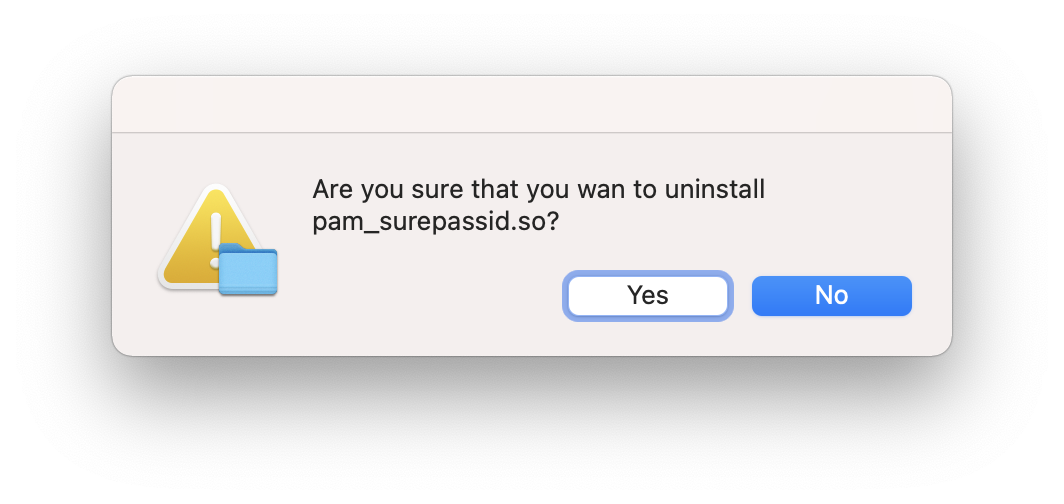
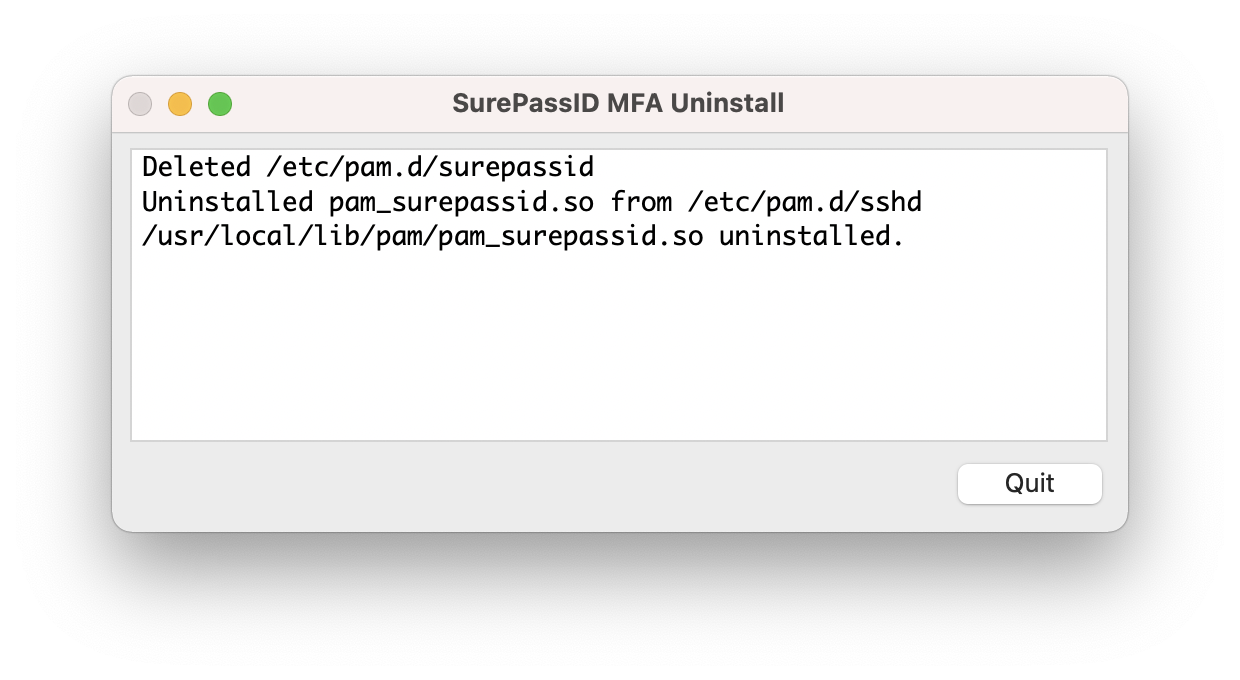
When the uninstall is complete, click Quit.
© 2013–2026 SurePassID. All rights reserved. Protected by patents pending. SurePassID, the SurePassID logo and design, and Secure SSO are registered trademarks or trademarks of SurePassID, Corp. in the United States and/or other jurisdictions. All other marks and names mentioned herein may be trademarks of their respective companies.
SurePassID 360 Central Avenue #800 St. Petersburg, FL 33701 USA +1 (888) 200-8144 surepassid.com